2026 Automation Tools To Scale
Why I Stopped Overpaying for Software — and You Should Too
Most people don’t have a business problem in 2026.
They have a systems problem.
Too many tools. Too many logins. Too many monthly charges. Not enough execution.
I learned this the hard way.
The breakthrough wasn’t finding more tools — it was simplifying into systems that actually compound results.
Below is the exact automation stack I’m using to scale content, leads, operations, and authority — without paying $300–$800/month in software bloat.
The 5 Systems Every Scalable Business Needs
Before tools, you need clarity.
Here’s the framework I build everything around:
✅ One
Command Center
✅ One
AI Brain
✅ One
Automation Engine
✅ One
Content Factory
✅ One Brand & Asset Machine
Everything below plugs into one of those five.
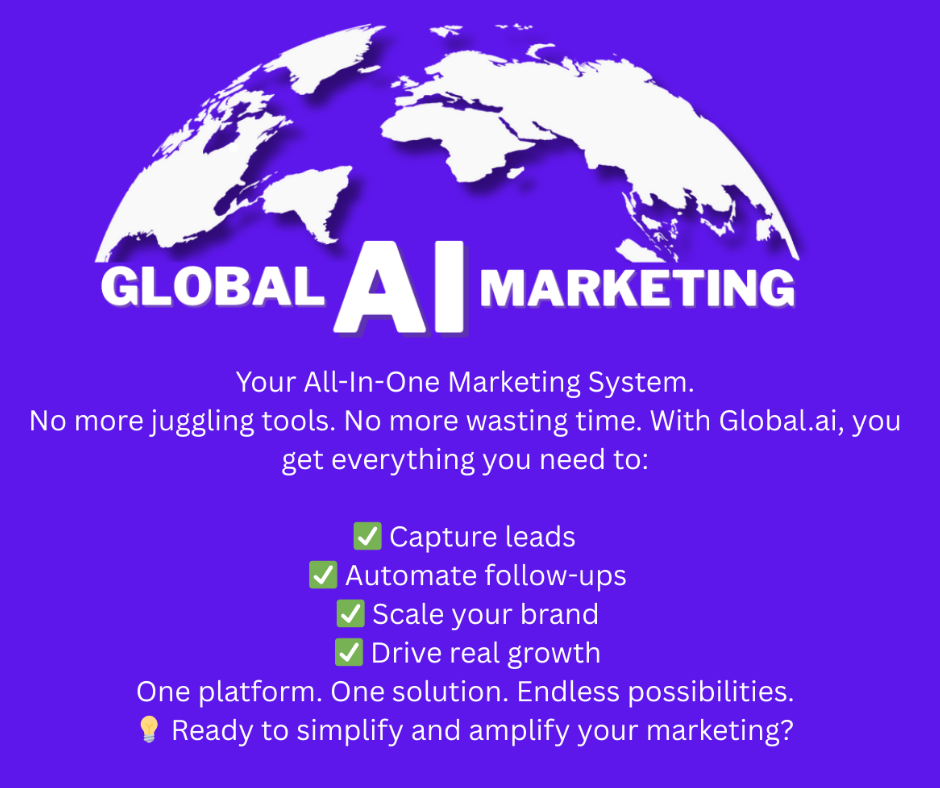
1️⃣ Global.ai — The Command Center (My Go-To Platform) ( GET YOUR FREE 7 Day Free Trial - After YOU ONLY PAY $27.00 a month )
This is the hub.
The place where ideas become assets… assets become systems… systems create income.
I use Global.ai as my all-in-one automation system — and this is the part most people miss:
💥 It replaces multiple paid tools
💥 It centralizes execution
💥 It removes friction
Instead of bouncing between:
- AI writing tools
- automation tools
- workflow apps
- content planners
I operate from one platform.
💰 And yes — plans start around $27/month. That’s not hype. That’s leverage. (7 Day Free Trial)
Rule I live by:
If a tool doesn’t save time, simplify execution, or produce revenue — it gets cut.
2️⃣ Abacus.ai — Enterprise-Grade AI Workflows & Smart Automation
What It Is: Abacus.ai is a robust AI platform that enables businesses of all sizes (from teams to enterprises) to build custom AI workflows, agents, predictive models, chatbots, and more — all within a single environment. It’s not just a chatbot tool; it’s a full AI engine that transforms data into automated outcomes. Abacus.AI
Key Capabilities:
✔ AI Super Assistant & ChatLLM: One unified AI interface with access to top LLMs and advanced reasoning tools.
✔ DeepAgent: An autonomous AI agent that can design workflows, connect systems, and automate tasks end-to-end.
✔ ML & Predictive Models: Build forecasting, anomaly detection, personalization, and predictive analytics models without separate ML infrastructure.
✔ Custom AI Workflows: Automated task sequences that extract, process, summarize, and integrate data into your tools. Abacus.AI
Real-World Uses: • Extract structured invoice data and automate accounting workflows • Create chatbots trained on your docs or internal knowledge • Build web apps with database and authentication layers • Create advanced forecasting dashboards and personalization engines.
Why It’s Powerful: This isn’t just “AI assistance.” Abacus.ai acts as an AI brain and workflow engine, letting you build autonomous agents and models that handle operational automation at scale — without building everything from scratch.
Best For: Tech teams, data-driven businesses, enterprises, and automation architects wanting deep AI-powered workflows.
3️⃣ Gemini 3 — AI That Enhances Creativity & Execution
Tool Purpose: Gemini 3 is a next-level AI assistant that supports ideation, strategy, writing, and content creation across tasks.
Main Uses:
✔ Generate scripts, long-form articles, and emails
✔ Brainstorm strategies and messaging
✔ Draft SOPs and detailed workflows
✔ Support research and creative planning
I use Google Gemini (Gemini 3) for:
strategic thinking
outlining offers
cleaning up messy ideas
creating frameworks that convert
This is my clarity engine.
I’ll dump raw thoughts — voice notes, bullets, chaos — and Gemini turns it into:
✅ Clear structure
✅ Strong hooks
✅ Logical flow
✅ Action-driven content
AI doesn’t replace thinking. It amplifies decisive thinking.
Why It Helps: Offers contextually intuitive output saves hours of writing and thinking time, empowering you to produce more high-quality work faster.
Best For: Content creators, strategists, marketers — any role where ideas and execution collide.
4️⃣ OpusClip — The Content Factory (1 Video → 20 Assets) Automated Short-Form Video Creation
What It Does: Opus Clips uses AI to automatically cut engaging short clips from your longer video content, optimize formatting, add subtitles, and get them ready for social channels like TikTok, Instagram Reels, and YouTube Shorts.
Why It’s a Game-Changer: Instead of manually editing video clips, Opus Clips uses AI to find engaging moments, add subtitles, and create optimized video formats automatically.
Big Benefits:
🟢 Saves hours of manual clipping
🟢 Maximizes content output from one recording
🟢 Boosts reach and engagement
Best For: Coaches, speakers, trainers, businesses and creators posting frequent video content.
5️⃣ StreamYard — Professional Live & Recorded Broadcasts / Authority & Production System
Consistency builds authority.
What it Does: Streamyard is a browser-based live streaming and recording studio that handles multi-platform streaming with ease.
Top Features:
✔ Brand overlays & graphics
✔ Multi-guest support
✔ Stream to YouTube, Facebook, LinkedIn simultaneously
✔ Easy call-to-action features
Why I Use It: No need for advanced hardware or complex software setups — Streamyard lets you produce high-quality streams like a pro.
Best For: Live events, webinars, training sessions, and social engagement.
I use StreamYard for:
- weekly live shows
- interviews
- long-form recordings
No tech headaches. No overproduction. Just clear message + repetition.
🎙 Live show
➡️ Recording
➡️ Clips
➡️ Posts
➡️ Conversations
➡️ Clients
That’s the loop.
6️⃣ Canva — Design & Content Automation / Brand & Asset Machine (Speed Wins)
Your brand isn’t fancy graphics.
Your brand is clarity at speed.
What it Does: Canva is a visual creation platform that automates design tasks and makes graphics accessible to anyone.
Key Features:
✔ Templates for social, ads, print materials
✔ Brand kit & color standards
✔ Easy drag-and-drop editor
✔ Automated resizing & export
Why It’s Essential: Consistency in visuals builds trust. Canva ensures your content always looks polished—even if you’re not a designer.
Best For: All businesses that need visuals — from social media to pitch decks.
I use Canva to build:
✔ Reusable carousel templates
✔ Quote graphics
✔ Offer one-pagers
✔ Lead magnet covers
✔ Media kits
My rule:
If it can’t be built in 10 minutes, the template isn’t done yet.
Templates = velocity.
My Weekly Automation Flow (Steal This)
Monday — Authority 🎥 Record 1 long video (StreamYard)
Tuesday — Repurpose ✂️ OpusClip creates shorts
Wednesday — Distribute 📢 Post daily short-form + LinkedIn content
Thursday — Convert 🤖 Abacus agents create follow-ups, emails, offers
Friday — Optimize 🧠 Gemini reviews what worked and sharpens next week
No chaos. No guessing. Just execution.
Final Truth Most People Avoid
Tools don’t scale businesses. Systems do.
If you:
❌ keep stacking subscriptions
❌ chase shiny platforms
❌ avoid simplifying
You’ll stay busy — not profitable.
If you:
✅ centralize
✅ automate
✅ execute consistently
You win.
If this helped you:
👉 Comment “SYSTEMS” 👉 Or DM me “AUTOMATION”
I’ll show you how to simplify, scale, and stop overpaying in 2026.